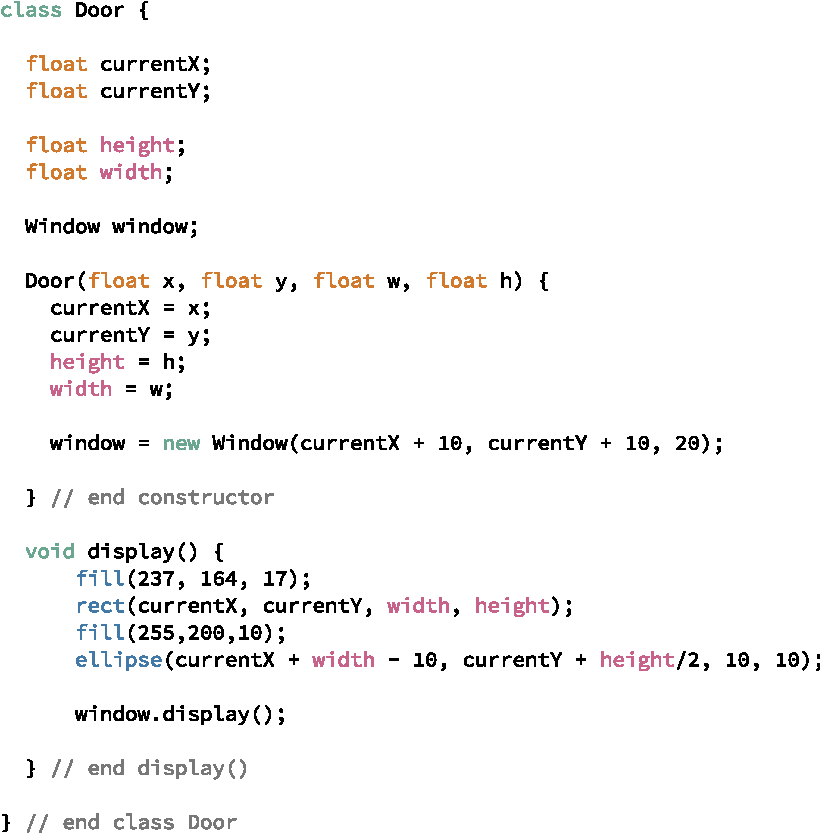
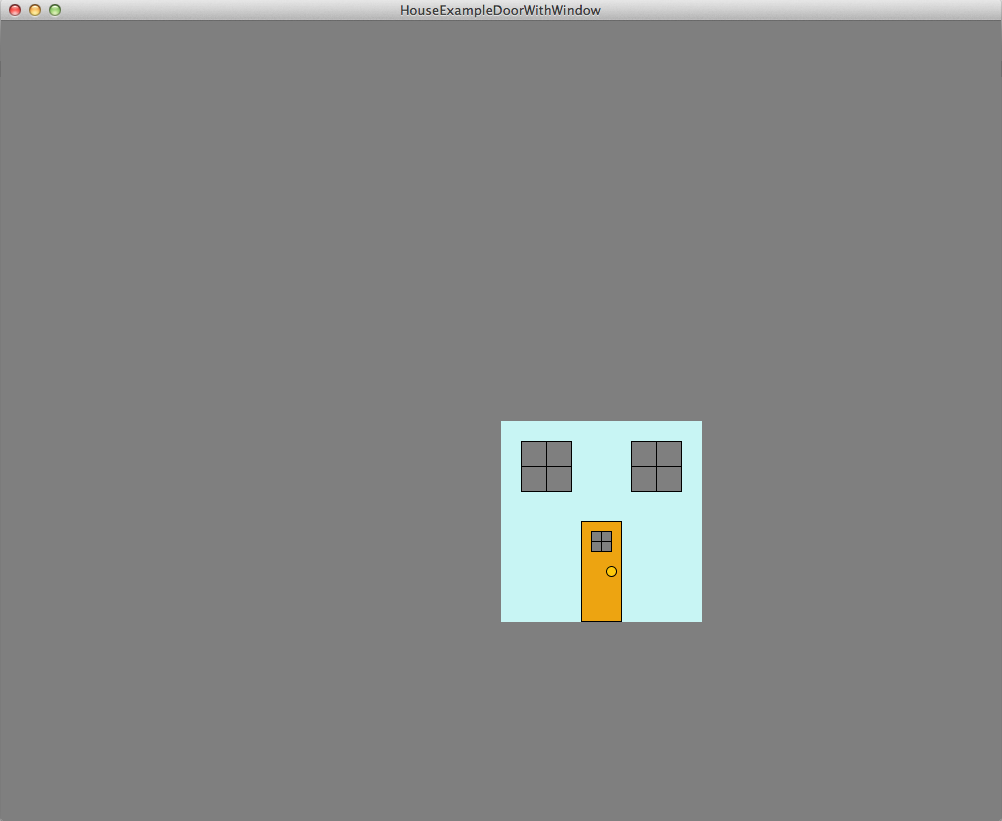
Our door looks kind of bland. Let’s add a window to the door. Our Window class provides a blueprint for creating a window, so adding a window to the door should be simple. We will need a instance variable for another Window object reference, but where should this reference go? The main Processing class, perhaps? No, leaving the main Processing class unchanged as we have made changes to the House has left us with a very simple structure to our program that we would like to maintain. What about putting the reference for the Window object in the House class? We could do that, but this Window is really part of the Door; it is an attribute of a Door object, so we will define the reference to the Window as an instance variable in the Door class. Let’s call that instance variable window. The constructor for the Door class will construct a Window object and set the instance variable window to refer to this new object. The display method in Door will call the Window object’s display method. Figure 3.2.1 shows the changes to the Door class. Again, these are fairly minor changes to Door. Furthermore, no changes are required to any of our other classes, yet our program displays a more complex looking Door, as shown in Figure 3.2.2.
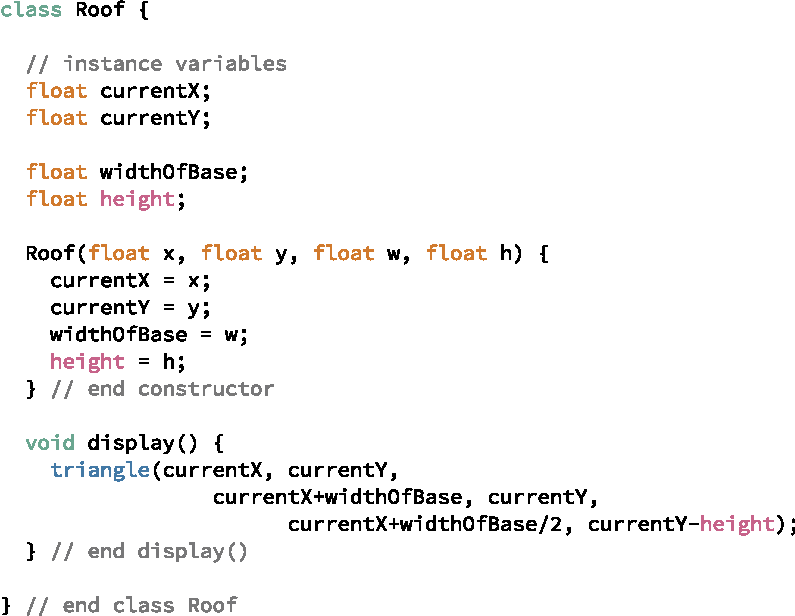
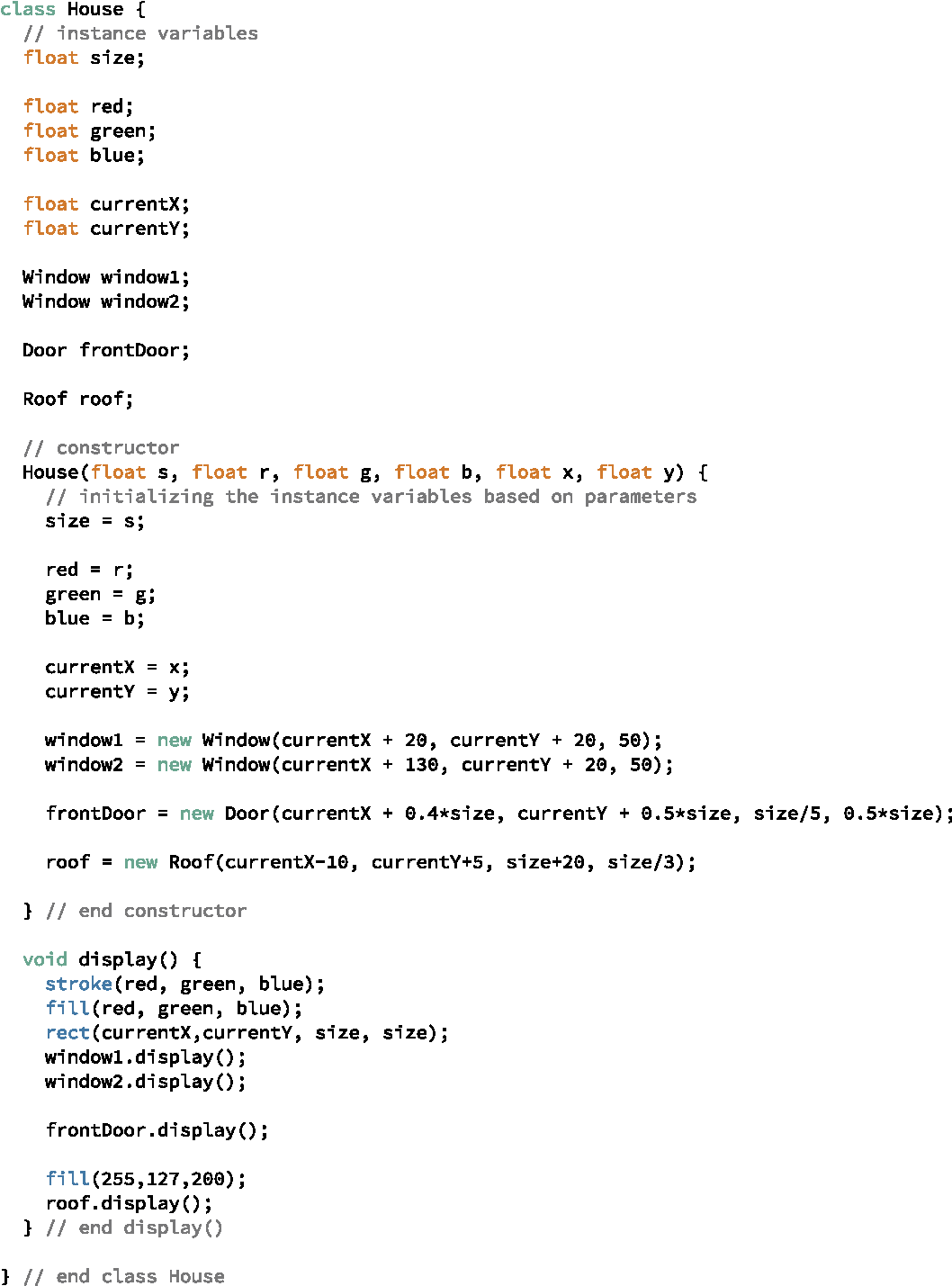
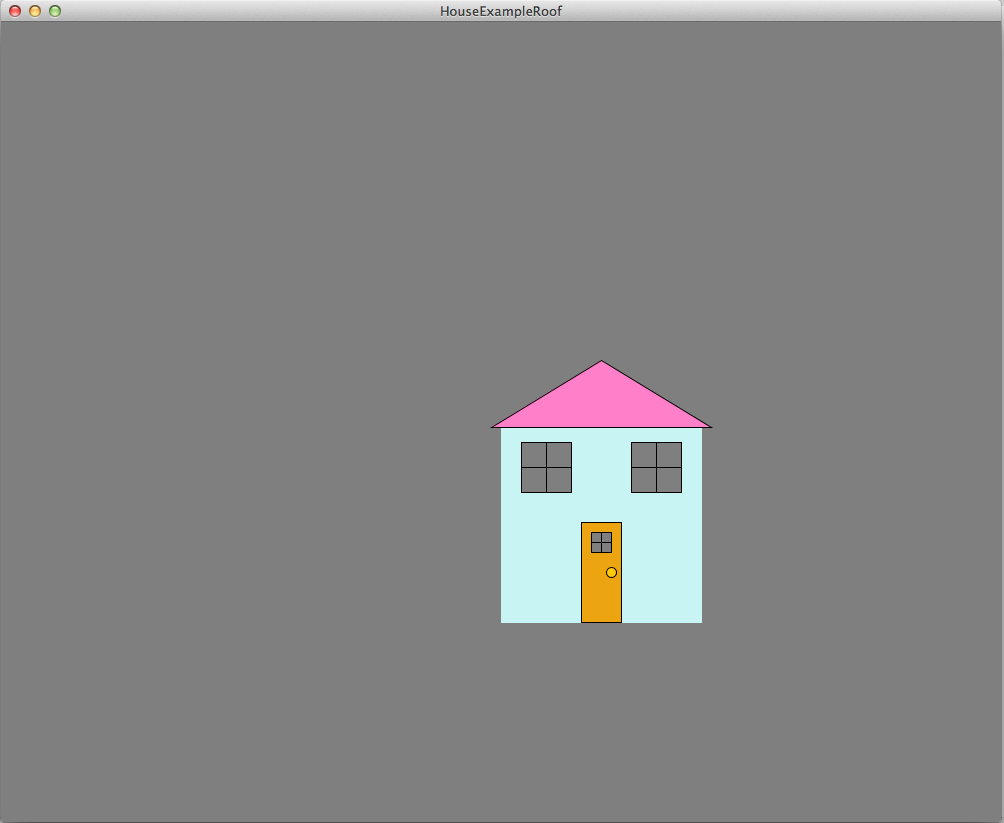
We really should have a roof on this house to make it look more like a legitimate house. Let’s create a Roof class as a blueprint for a roof object. This class will be very simple. We could certainly make an argument for just drawing the roof in the House class rather than creating a separate class, but let’s create a separate class anyway in case we decide to do something more complicated with the roof later. The code for the Roof class is shown in Figure 3.2.3, while the hopefully now familiar changes required in the House class are shown in Figure 3.2.4. Finally, our house is displayed in Figure 3.2.5.